Team Dashboard
See what needs your attention, who is carrying what, and how the team is doing
Last updated 2026-11-01
The Team page is for workspace owners and managers. It answers three questions: what needs me today, who is carrying what, and how is the team doing compared with last week.
Who can see it
Open Team from the sidebar. The workspace owner and roles with team visibility (the Manager and HR presets) can open it. In a Transparent workspace every member can. The owner changes roles and visibility in Workspace Settings.
Choose a period
Switch between This week, Last week and 30 days at the top right. Weeks and days follow your own timezone, so "this week" starts on your Monday. The period also sets the dates on the Activity tab. Invite member next to it takes you to the workspace's member settings.
Four tabs
The page has four tabs under the header. The tab you are on is part of the page address, so you can bookmark or share it.
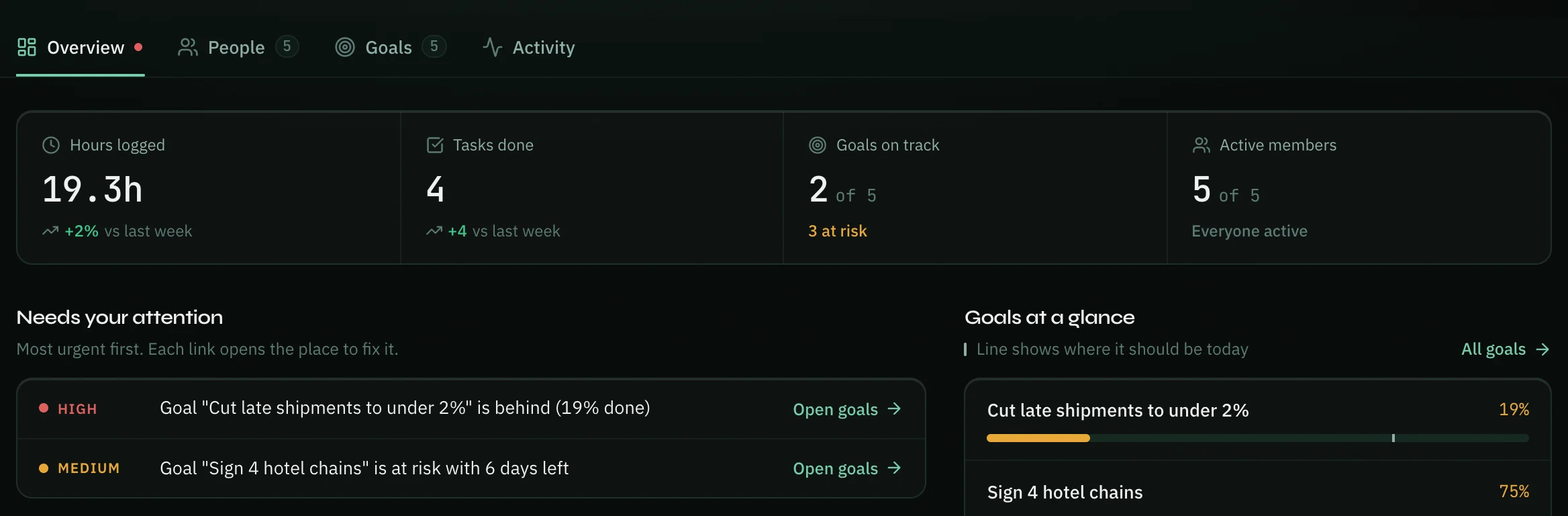
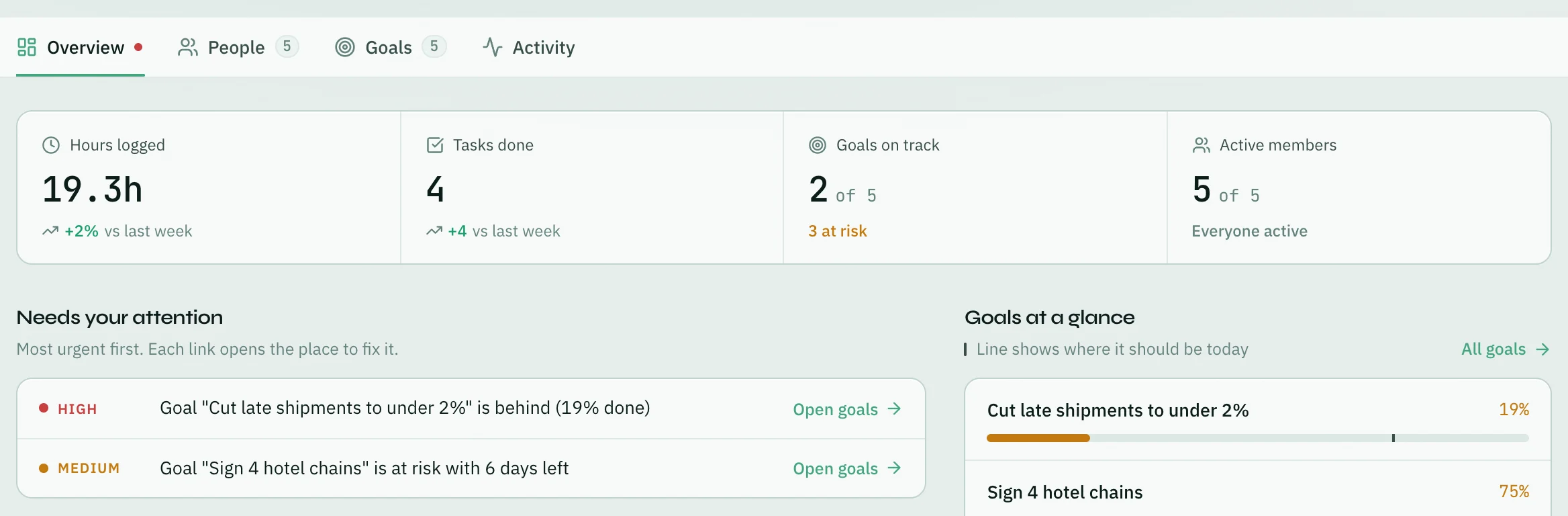
- Overview — the short version: the numbers, what needs you, goals at a glance and the latest activity. A red dot on the tab means something urgent is waiting.
- People — who is carrying what. The number next to it is how many people are in the workspace.
- Goals — how each goal is pacing. Shown only when your team uses goals.
- Activity — everything the team did, with filters.
Overview
The numbers
The row at the top compares this period with the one before it: hours logged, tasks done, goals on track, chats resolved and active members. Opzello only shows what your team actually uses — a team that never logs hours will not see an hours number.
Each number opens what is behind it: Hours logged opens People sorted by hours, Goals on track opens Goals, Chats resolved opens WhatsApp Analytics and Active members opens People sorted by when they were last active.
Needs your attention
A short list of things worth acting on, most urgent first:
- a member with overdue tasks
- WhatsApp chats waiting over two hours with nobody assigned
- goals that are behind, or at risk close to their deadline
- someone who looks overloaded compared with the team
- someone who has not been active for five days while the rest of the team has
- someone whose WhatsApp replies are much slower than the team's
Each line opens the page where you fix it. When there are more than six, click + more to see the rest.
Goals at a glance
Each goal's bar shows how far it has come. The thin line on the bar marks where it should be today, so a bar that stops short of its line is falling behind. Click a goal to open it, or All goals for the Goals tab.
Recent activity
The latest things your team finished. View all activity opens the Activity tab.
People
One row per person. Workload looks at open tasks, overdue tasks, open WhatsApp chats and hours logged, compared with the rest of your team, and tells you why (for example "9 open tasks, 3 overdue").
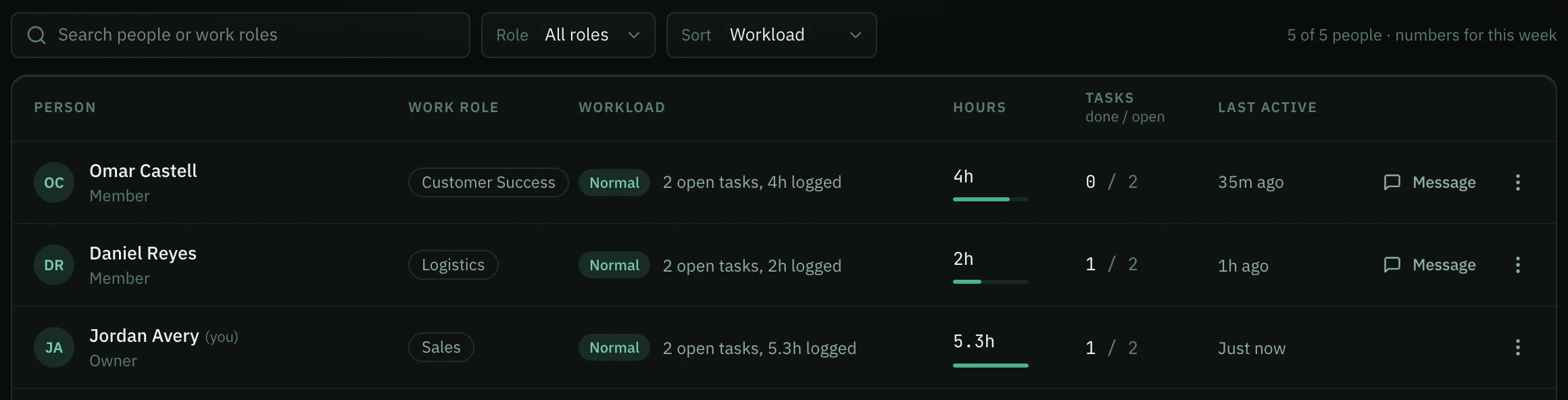
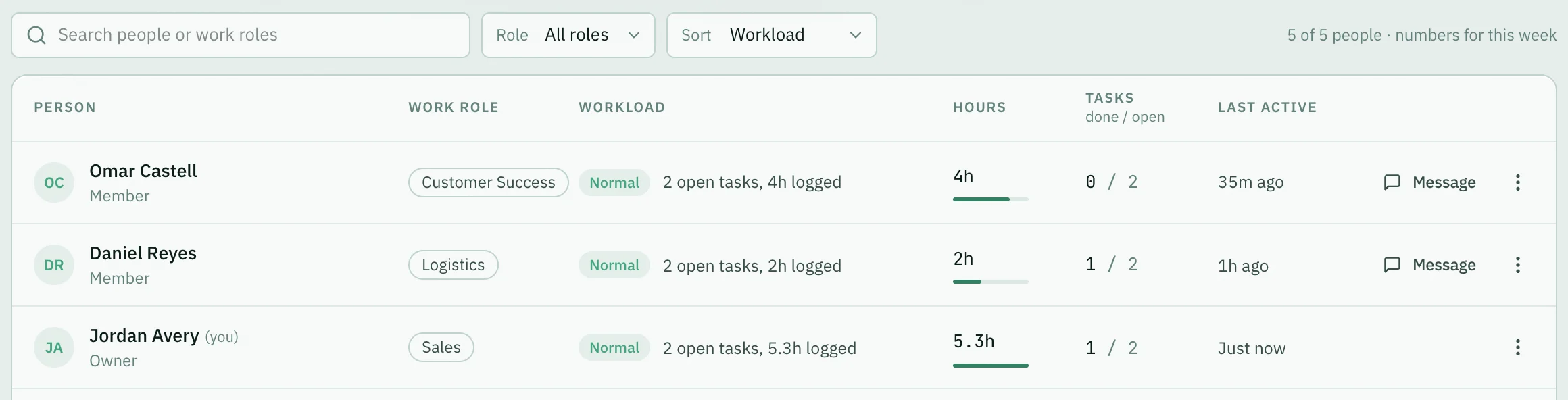
- Type in Search people, pick a role in Role, or change Sort to Workload, Hours logged or Last active.
- Click a row to open that person's profile. See Team → Member Profile.
- Message opens a direct message with them. Direct messages need the Team plan.
- The ⋮ menu has View profile, See their activity (the Activity tab showing only their work), Assign a task and, for the workspace owner, Access… to change their role and AI limit.
Goals
Every active goal with its progress, where it should be today, and how many days are left. Use All, At risk and On track to narrow the list, and New goal to add one. Click a goal to open it.
The Goals tab shows only if your role can see goals. If your role sees only your own goals, the tab lists just yours. Someone else's goal shows only if your role can see the team's goals.
Activity
Finished tasks, work logs, goal check-ins and resolved WhatsApp chats, newest first, grouped by day in your own timezone.
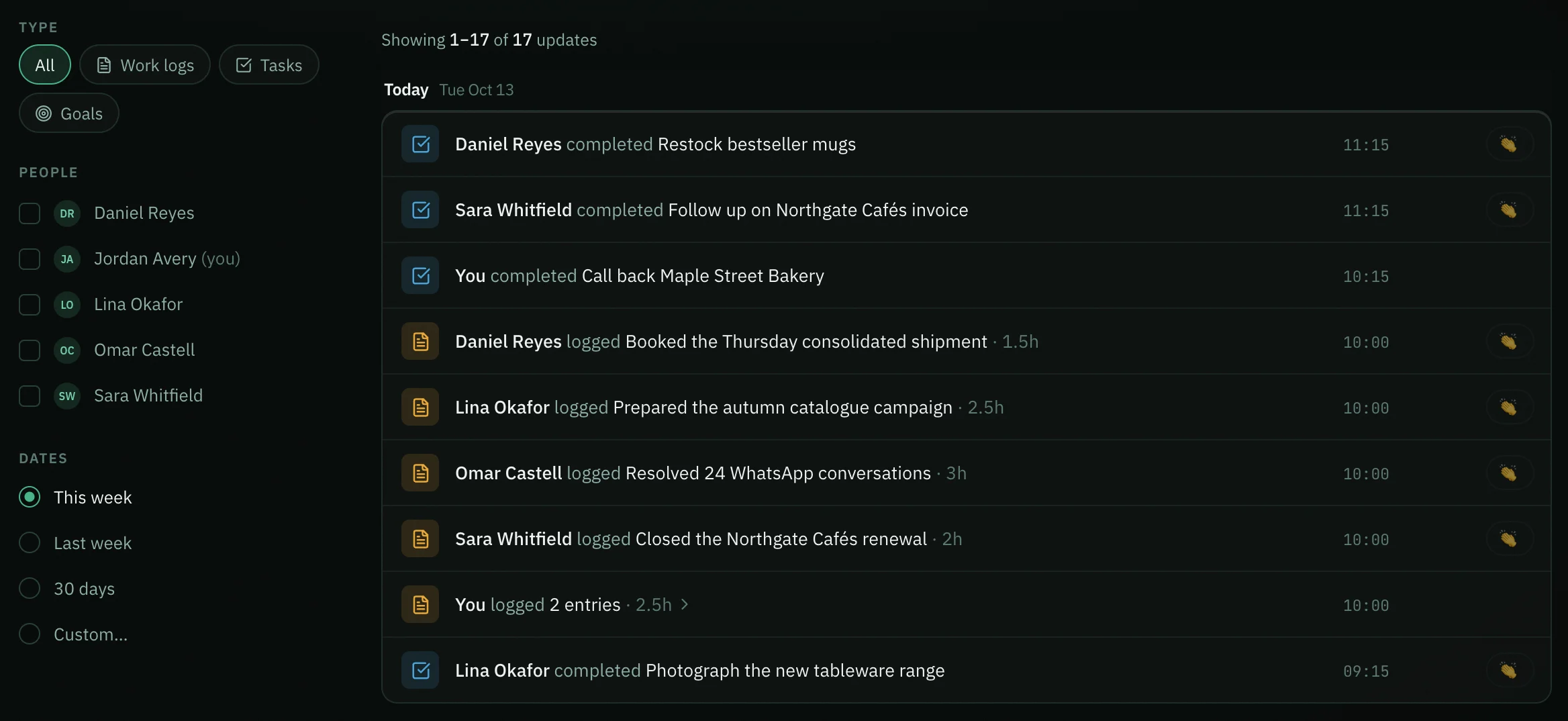
- Type shows one kind of work, or All.
- People shows only the people you tick. Everyone clears it.
- Dates picks This week, Last week, 30 days or Custom… for your own dates, up to 90 days at a time.
- When one person does the same kind of thing several times in a day, it shows as one line, such as "logged 4 entries · 7.5h". Click the line to see each one.
- Click a line to open it: a work log, a task, a goal or a WhatsApp chat. A name opens that person's profile. If your role cannot open that part of the workspace, the line is not a link.
- Twenty lines show per page; use the page numbers at the bottom to move through older work. Clear filters puts everything back.
On a phone, tap Filters to show the filters.
You only see the kinds of work your role can see. A WhatsApp chat, for example, appears only if you can open the inbox.
Say well done
Click 👏 on someone's line to say well done. They get a notification in Opzello — never an email — and the number shows how many people said it. Click again to take it back. Several at once from you arrive as one notification. You can't say well done for your own work.
Summarize with AI
Summarize with AI writes a short review of the period: what went well, what to watch and suggested next steps.
- Pick the period: This week, Last week or 30 days.
- Click Summarize with AI.


It only runs when you click it and uses your AI tokens. It reads numbers only — never message or log content.
Privacy
The Team page shows effort and results — counts, hours, statuses, reply times and the titles of finished work. It never shows private log notes, AI conversations or the text of WhatsApp messages.
Thank you — that helps us improve the docs.