Hub Overview
Your personal home base across every workspace you belong to
Last updated 2026-11-01
The Hub is your personal home page. It sits above your workspaces: a workspace holds your team's shared work, and the Hub shows everything about your account across all of them. You land on the Hub after you sign in.
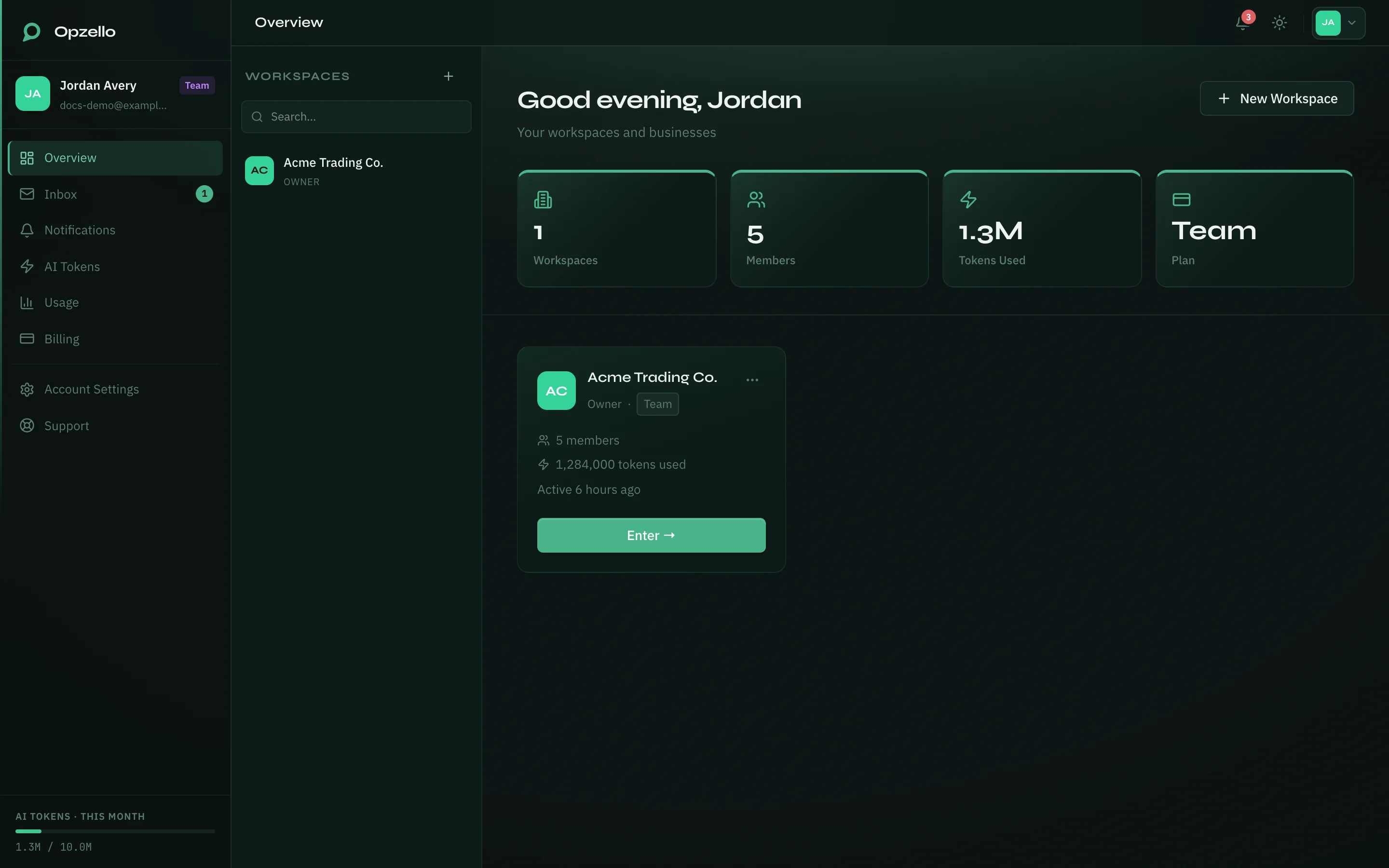
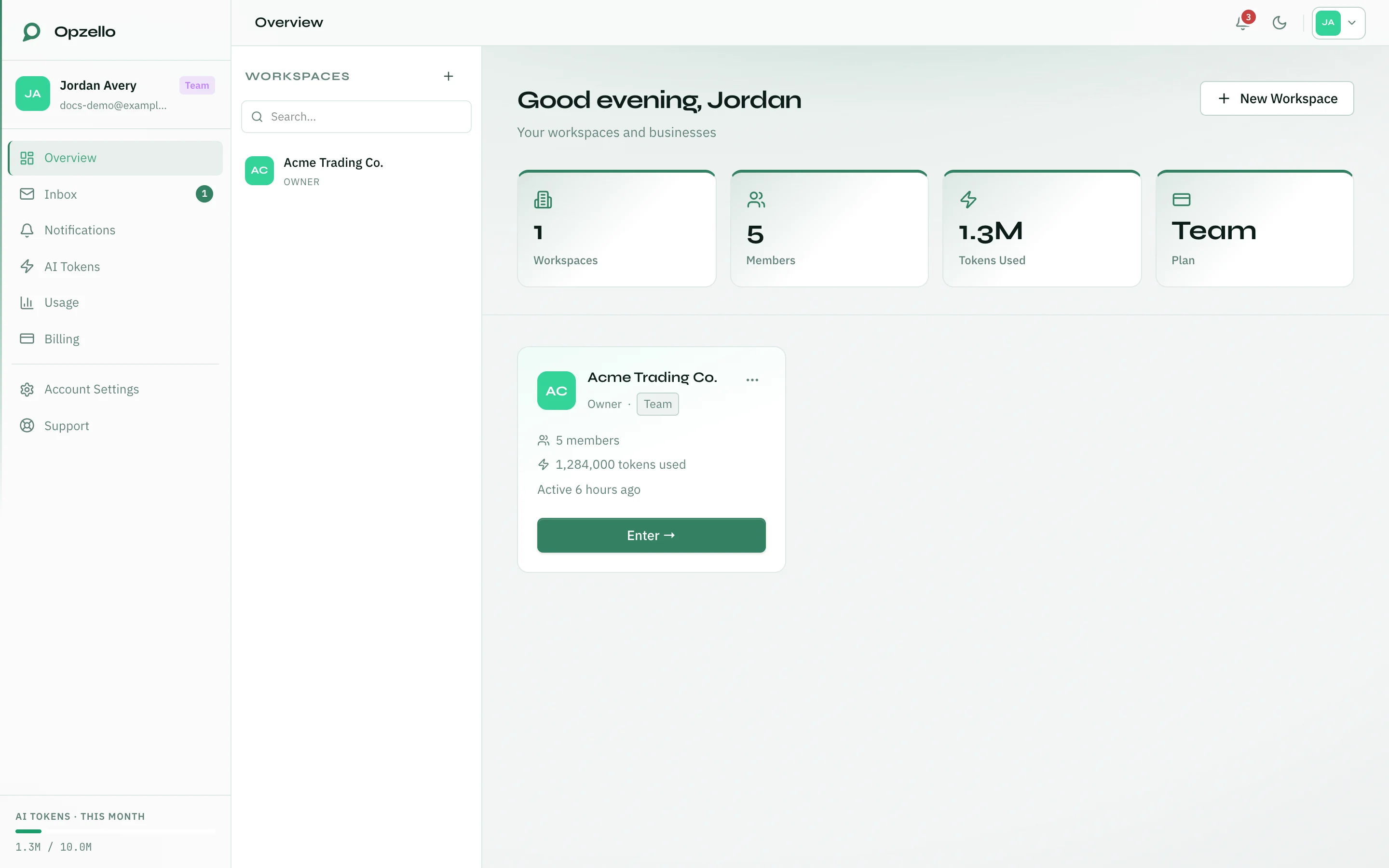
The top of the Hub greets you and shows four numbers: Workspaces, Members, Tokens Used and Plan. Click one to open the page behind it.
The Hub sidebar
- Overview — your workspaces (this page).
- Inbox — messages for your account.
- Notifications — your notifications.
- AI Tokens — your token balance, each workspace's limit, extra tokens and spending controls.
- Usage — usage charts and what you spent.
- Billing — your plan and invoices.
- Account Settings — your profile, security, notifications, appearance and data.
- Support — help from the Opzello team.
Your workspaces
When you both own workspaces and are a member of others, the Hub shows them in two groups:
- Your Workspaces — workspaces you created.
- Member Of — workspaces someone else invited you to.
Each workspace is a card with its name, your role, its member count and its token use. Click Enter → to go into that workspace. The ⋮ menu on a workspace you own has Settings and Manage Members.
The Workspaces list on the left of the Overview page lets you search and jump into any workspace without going back to the Hub.
Creating or joining a workspace
Click New Workspace. The window has two tabs:
- Create workspace — enter a Workspace name, an optional description and up to 3 of your work roles, then click Create Workspace.
- Join with invite — paste the invite link or token someone sent you and click Join Workspace.
You can own up to 5 workspaces. The window shows how many you have used. Once you own 5, you cannot create or join another workspace until you own fewer.
Inbox
Inbox holds messages for your account: replies from our support team and invitations to join a workspace. The list is on the left and the open message on the right. Use All or Unread to filter the list, and Mark all read at the top to clear the unread count.
- A support reply has a Reply button, so you can answer without leaving the Hub.
- An invitation has Accept invitation and Decline.
- The bin icon deletes a message.
On a phone or a small tablet the list fills the screen. Tap a message to read it, then tap Back to return to the list.
Notifications
Notifications lists everything from every workspace, newest first. It is grouped by day: Today, Yesterday, then the date. Days follow the timezone in your profile.
- The bar at the top filters by type: All, Inbox, Chat, Work, Progress, Billing and System. A number shows how many are unread in that type. On a phone the bar fades at the edge when there are more types; swipe it sideways to see them.
- Unread only hides the ones you have read.
- An unread notification has a dot and a bold title. Click it to open what it is about; that also marks it read. The tick on the right marks it read without opening it.
- Mark all read marks everything read. With a type picked, the button names it, for example Mark Billing read, and clears only that type.
- At the end of the list you see That's everything. or Load more.
The same list is under Notifications inside a workspace.
What lives in the Hub and what lives in a workspace
| Area | Where it lives |
|---|---|
| Work logs, goals, tasks, modules | Inside each workspace |
| Your plan and invoices | Hub → Billing |
| AI tokens and each workspace's limit | Hub → AI Tokens |
| Usage charts and spending | Hub → Usage |
| Members, roles, features | Workspace Settings (owner) |
See Hub → Billing Across Workspaces and Hub → AI Tokens & Usage for the account pages.
Thank you — that helps us improve the docs.