Linking Work to Goals
Connect logs, meetings, campaigns and tasks to key results
Last updated 2026-11-01
Execution stays honest when daily work ties to outcomes. Opzello connects work to goals in three ways: key results that count your work on their own, records you link by hand, and tasks you create for a key result.
Let a key result count your work
On a personal goal, a key result can count your work for you. In the goal panel, under Where does the number come from?, pick a Work activity source: work logs, hours logged, meetings held, deals won in meetings, campaign revenue, campaign conversions or shipments. It counts everything you did between the goal's start and end dates — you don't need to link anything. See Goals → Key Results.
Link records by hand
Use this for a key result you update yourself, when only some of your work counts towards it — for example, only the meetings that were real customer visits.
- Open the goal from the Goals page.
- Under Key results, click the key result to open it.
- Click Link records.
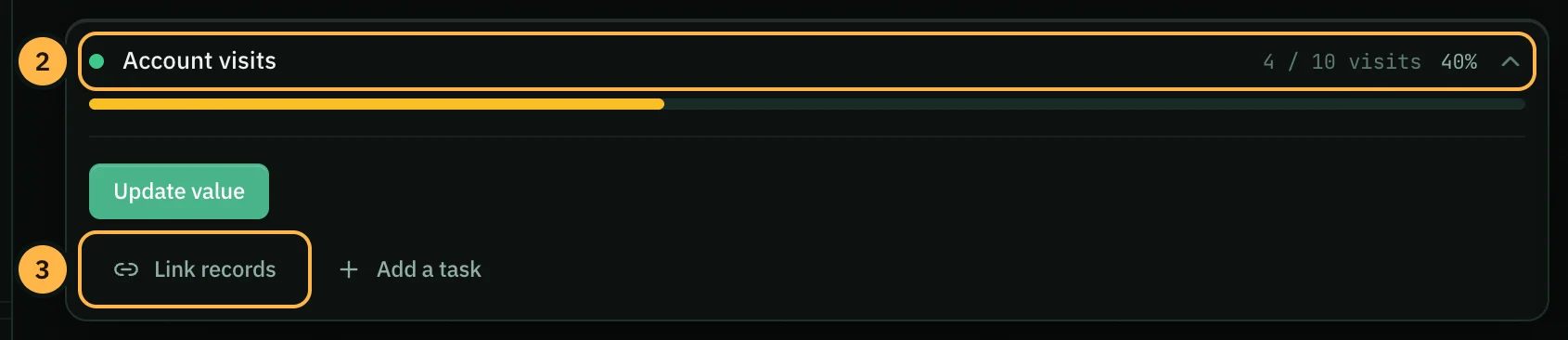
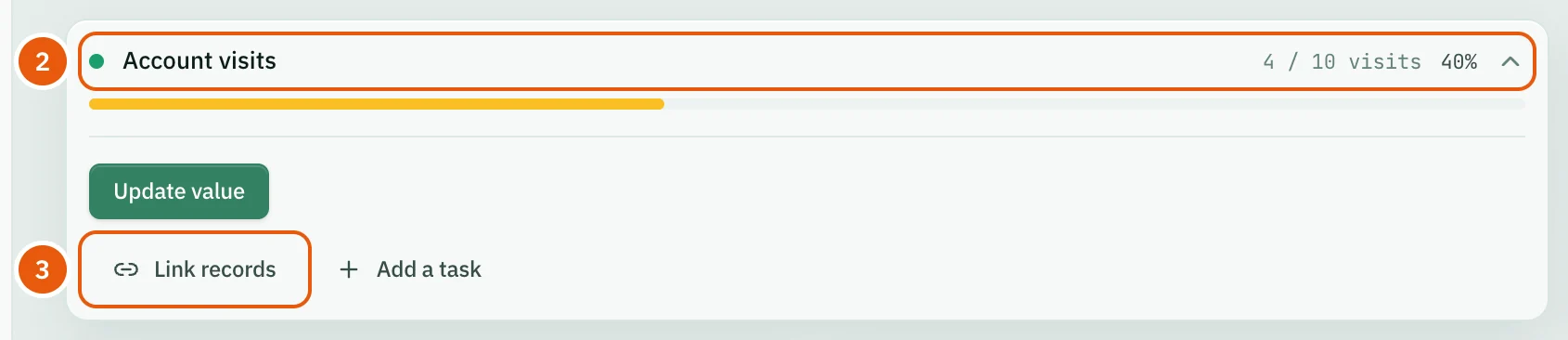
- In the Link Records window, choose a tab: Work Logs, Meetings or Campaigns. Each tab lists your 20 most recent records.
- Tick the records that count.
- Click Link to save them. The button shows how many records you picked.
Each linked record counts as one towards the key result, so its value becomes the number of linked records. Key results that count on their own (a live or work activity source) don't change when you link records.
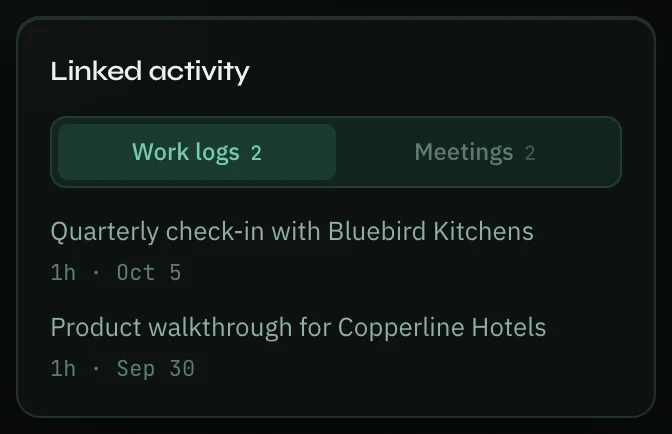
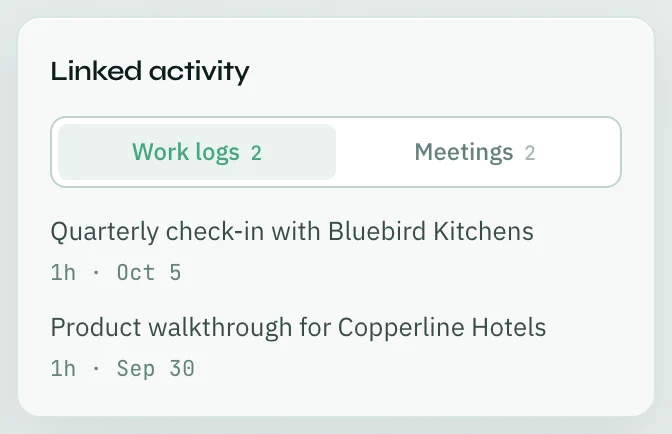
Linked work logs and meetings show on the goal's page under Linked activity.
Add a task for a key result
- Open the key result as in steps 1–2 above, then click Add a task.
- The New Task panel opens with the goal and key result already chosen under Link to goals & work. Change the title, person and due date if you need to.
- Click Save Task.
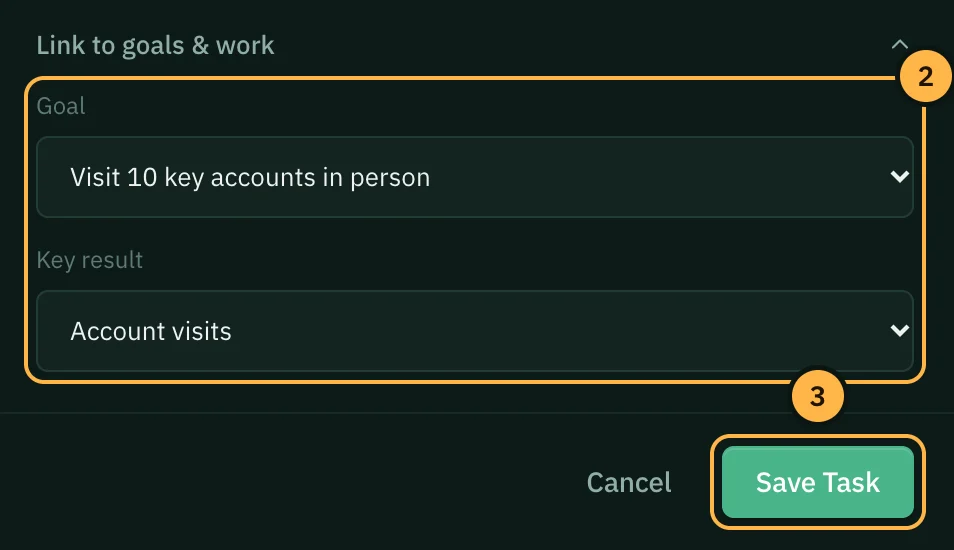
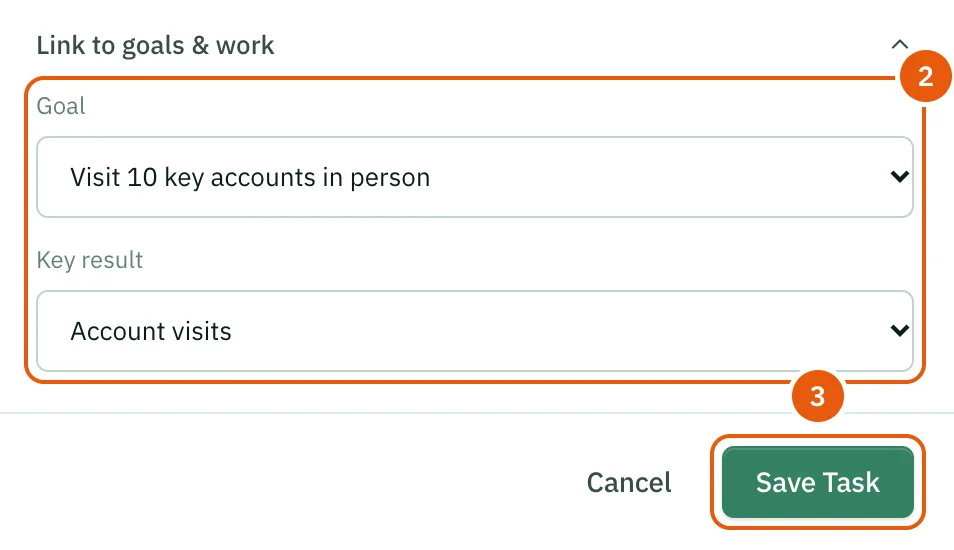
You can also link any task to a goal yourself: open Link to goals & work in the task panel and pick the Goal and Key result.
When you complete a task that is linked to a key result, with Create work log entry on, Opzello asks How much did this move the needle? The number you type becomes the key result's new value when you click Complete & Log. So type the new total — for example 5 if this was your fifth visit.
Link a work log to a goal
When you log work, the log form has a Link to Goal list (if you have active goals). Pick a goal to record which goal this work was for. This does not change a key result on its own; to move a key result, link the log to it as described above.
Thank you — that helps us improve the docs.