Logging a Meeting
Record a meeting, how it went and the next steps
Last updated 2026-11-01
The same form records a meeting that already happened and schedules one that is still ahead. The status you pick decides which it is.
Log a meeting
- Click Schedule Meeting at the top right of Meetings. You can also click + in the top bar and choose Log Meeting.
- Under Who, type the Company name. If the company is already one of your contacts, pick it from the list and the contact's details fill in. Leave Save as contact on to add a new company to Contacts.
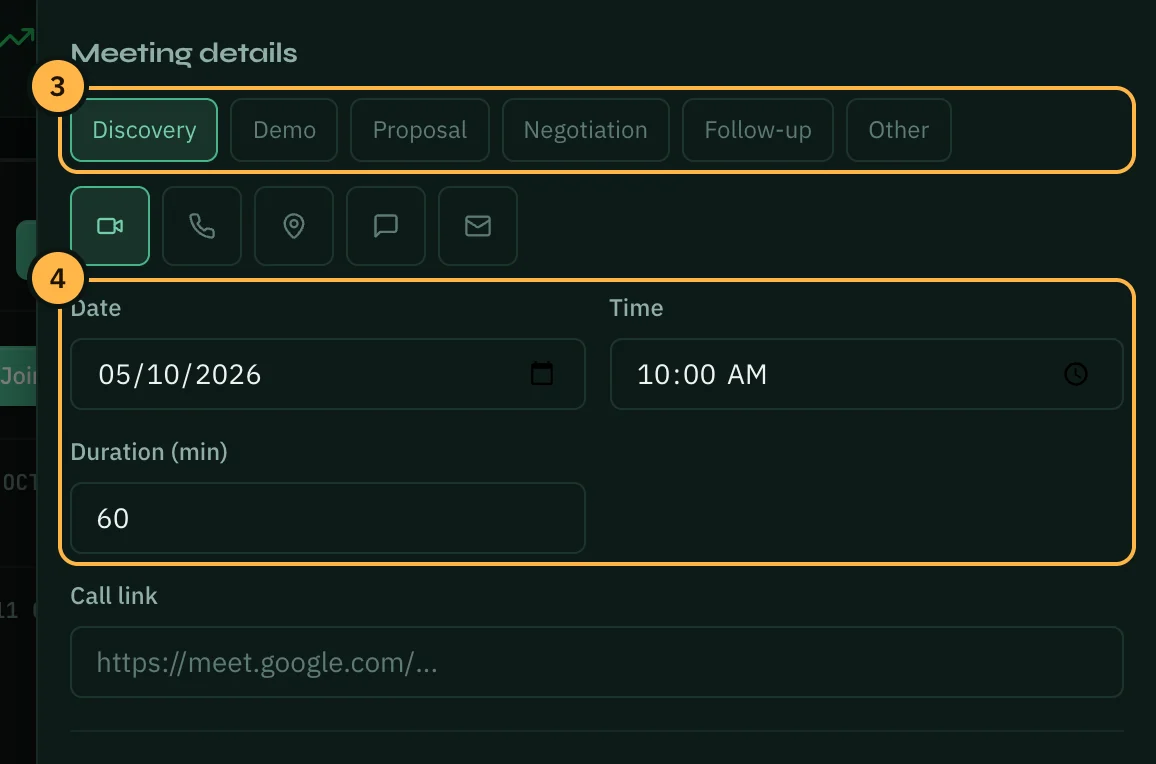
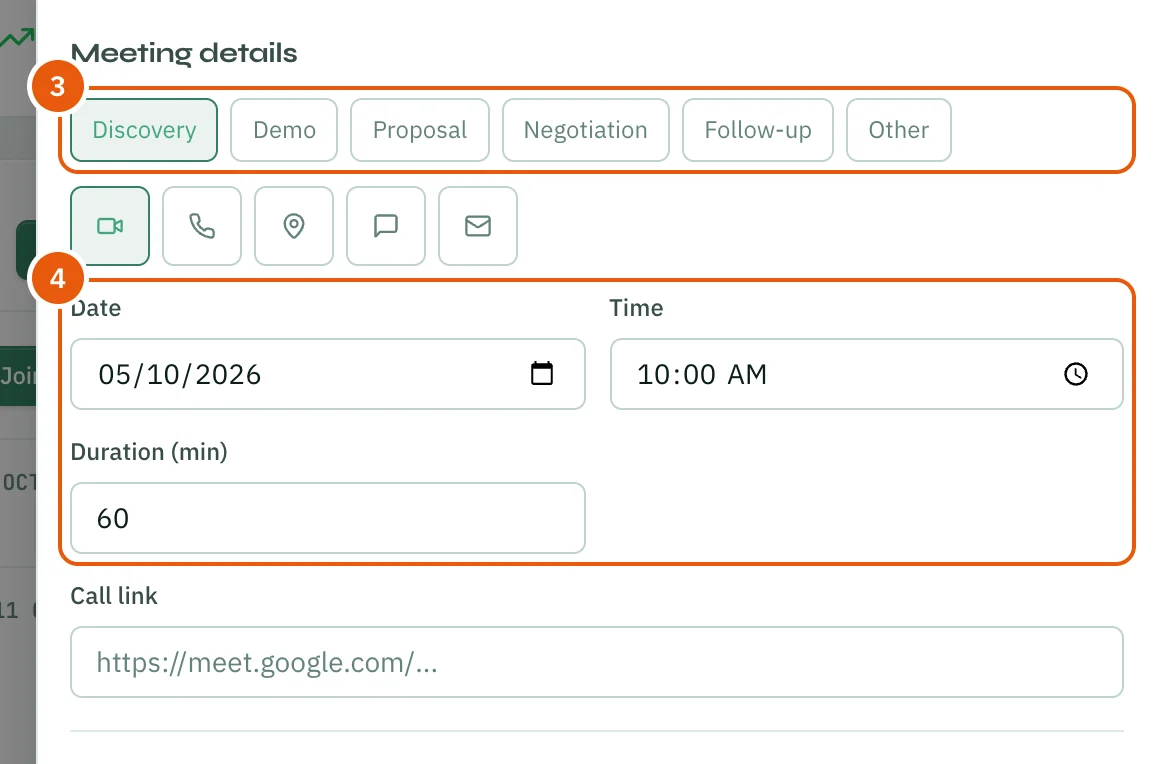
- Under Meeting details, pick the kind of meeting (Discovery, Demo, Proposal, Negotiation, Follow-up or Other). The icons below it say how you met: video, phone, in person, WhatsApp or email.
- Set the Date, Time and Duration (min). For an online meeting, add the Call link.
Business profile (business type, country, city) and Services & cargo (services, cargo, monthly volume and Estimated deal value (USD)) are optional. The deal value counts towards your pipeline.
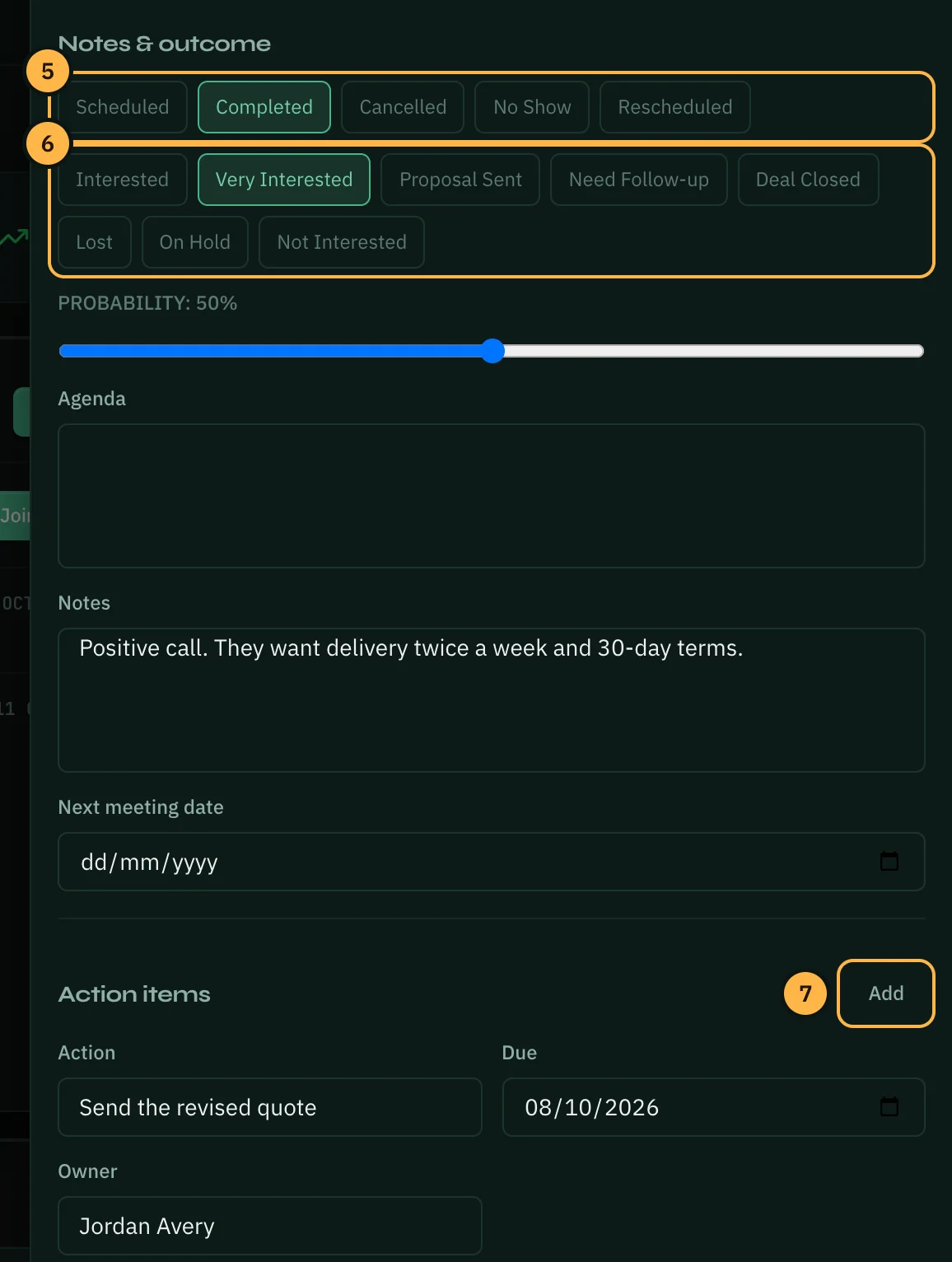
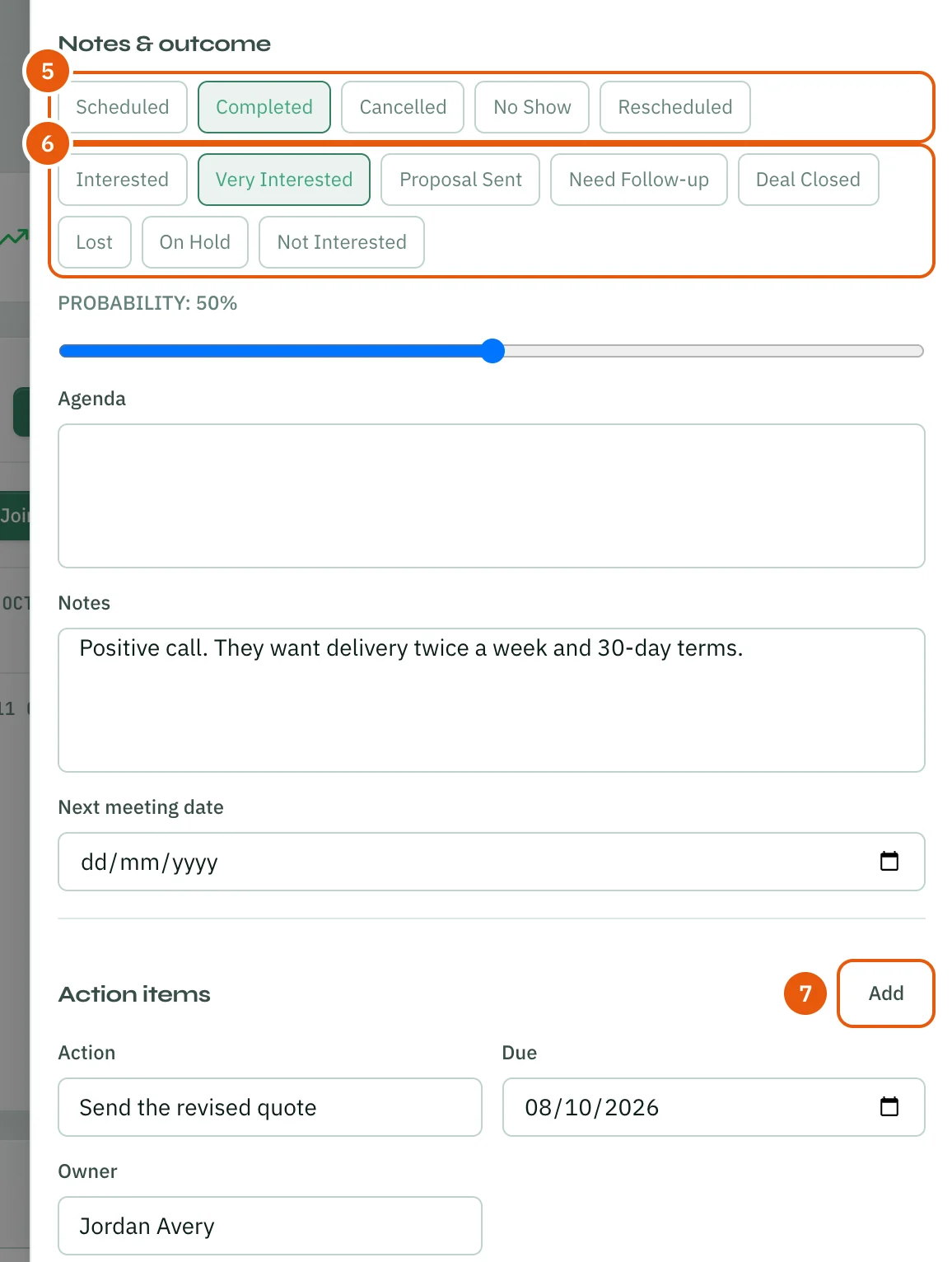
- Under Notes & outcome, click Completed for a meeting that already happened.
- Pick how it went, for example Very Interested or Deal Closed, and set the Probability of a deal. Add the Agenda, your Notes and a Next meeting date if you have one.
- Under Action items, click Add for each next step. Give it an Action, a Due date and an Owner.
- Click Create.
The meeting now shows under Recent and in All meetings, and in the company's history in Contacts. An action item with a due date is also added to the meeting's follow-ups.
After the meeting
Open a meeting to update how it went or to turn its action items into tasks.
- Click the meeting under Upcoming, Recent or All meetings. Its panel opens on the right.
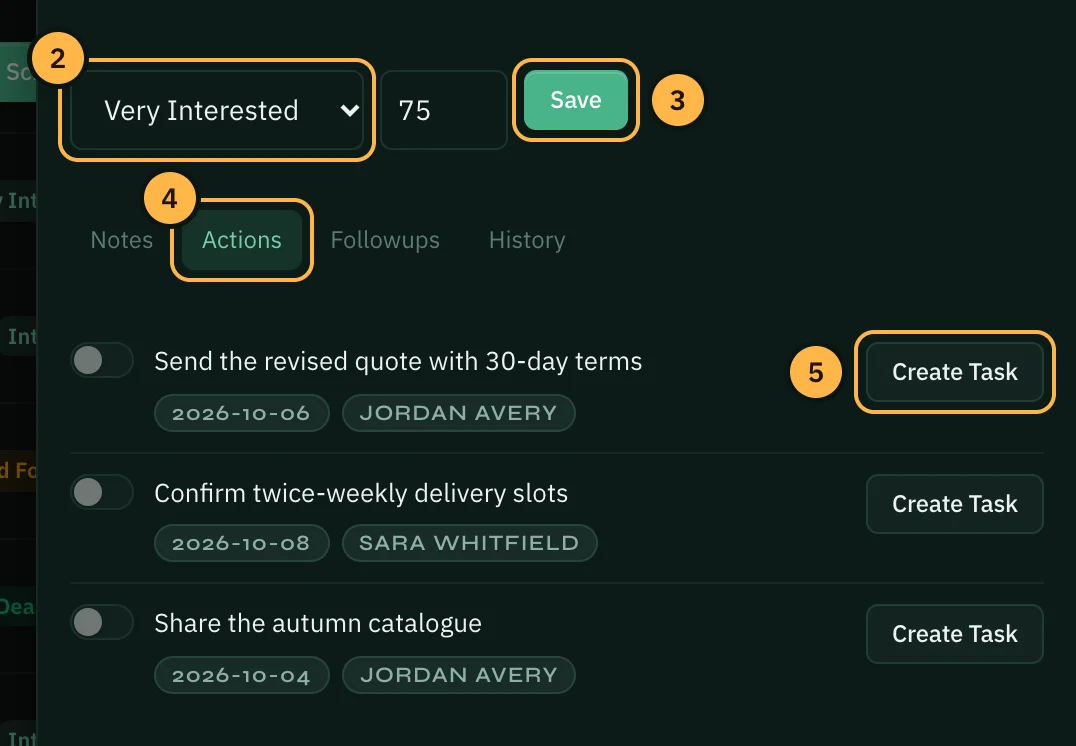
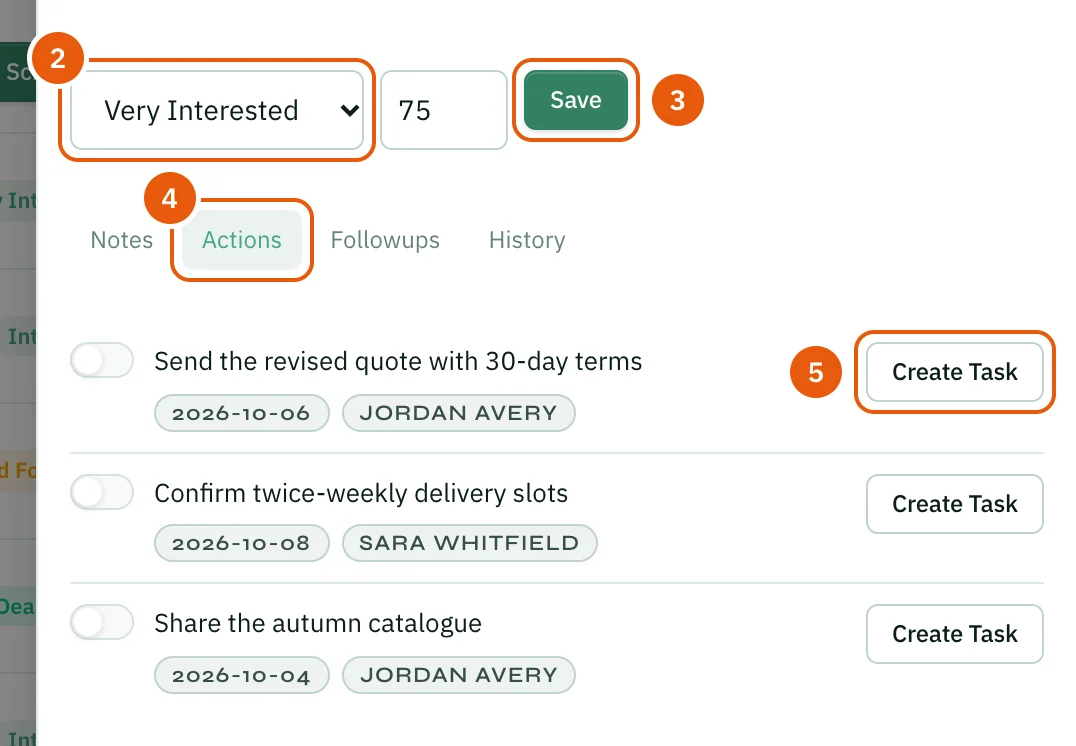
- Choose the new outcome and type the probability (0 to 100).
- Click Save.
- Open the Actions tab.
- Click Create Task next to an action item. It becomes a task in Tasks.
The other tabs:
- Notes shows the agenda and your notes.
- Followups lists follow-ups with their due dates. An overdue one is highlighted. Click Complete when one is done, or add a new one at the bottom.
- History lists earlier meetings with the same company.
Saving an outcome does not change the meeting's status. To mark a scheduled meeting as held, click Edit and choose Completed.
Thank you — that helps us improve the docs.