Goal Setting
Create objectives, timelines, and check-in cadence
Last updated 2026-11-01
Goals represent outcomes you care about this quarter — or any period you define. Each goal has a title, an optional description, a role, a start and end date, and one or more key results: the numbers that show how far along it is.
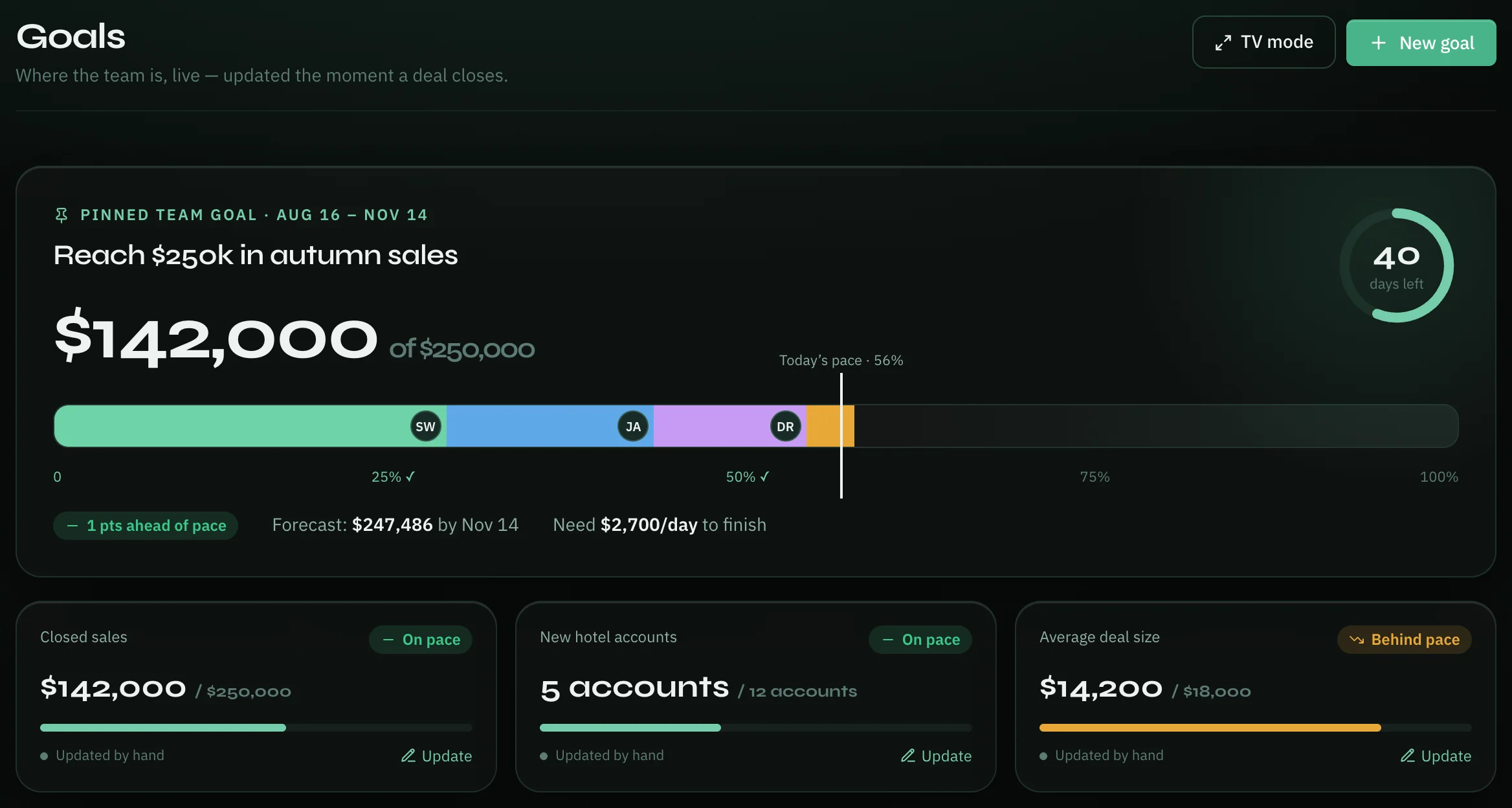
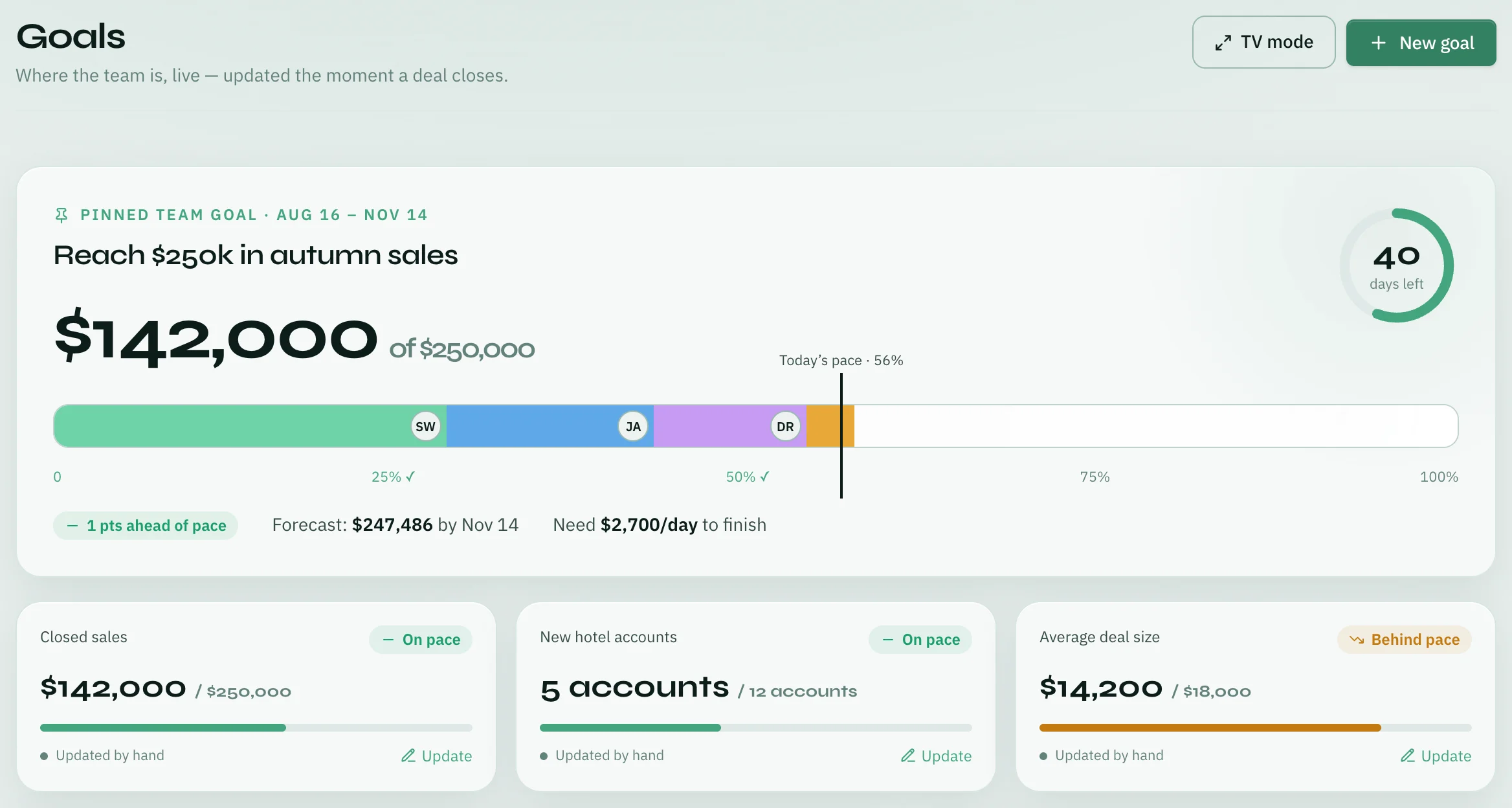
A goal can be team or personal — see "Team goals" below for what that changes. Its progress comes from its key results automatically: a team goal follows its first key result, a personal goal takes the average of all of them. See Goals → Key Results.
Create a goal
- On the Goals page, click New goal at the top right.
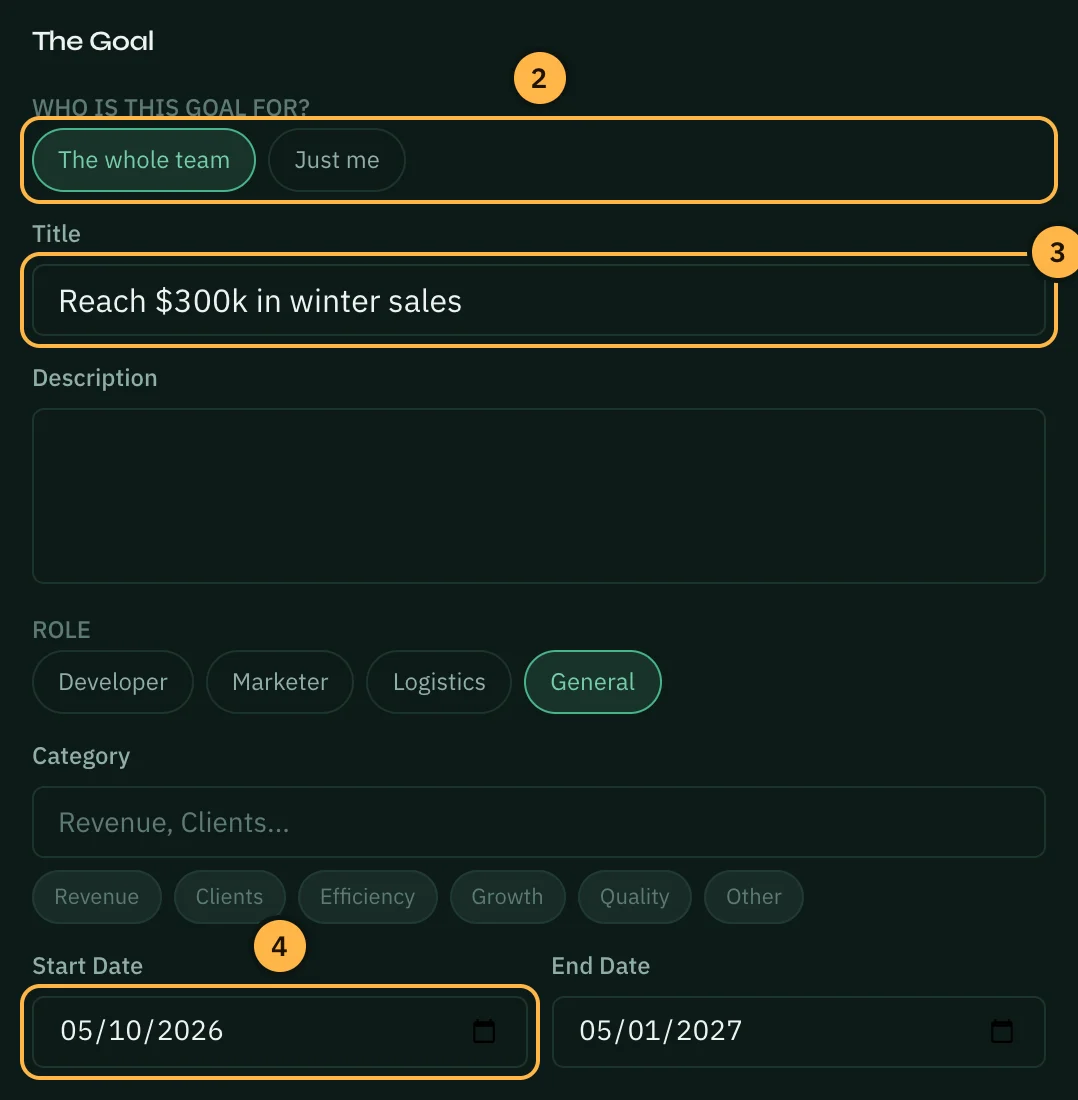
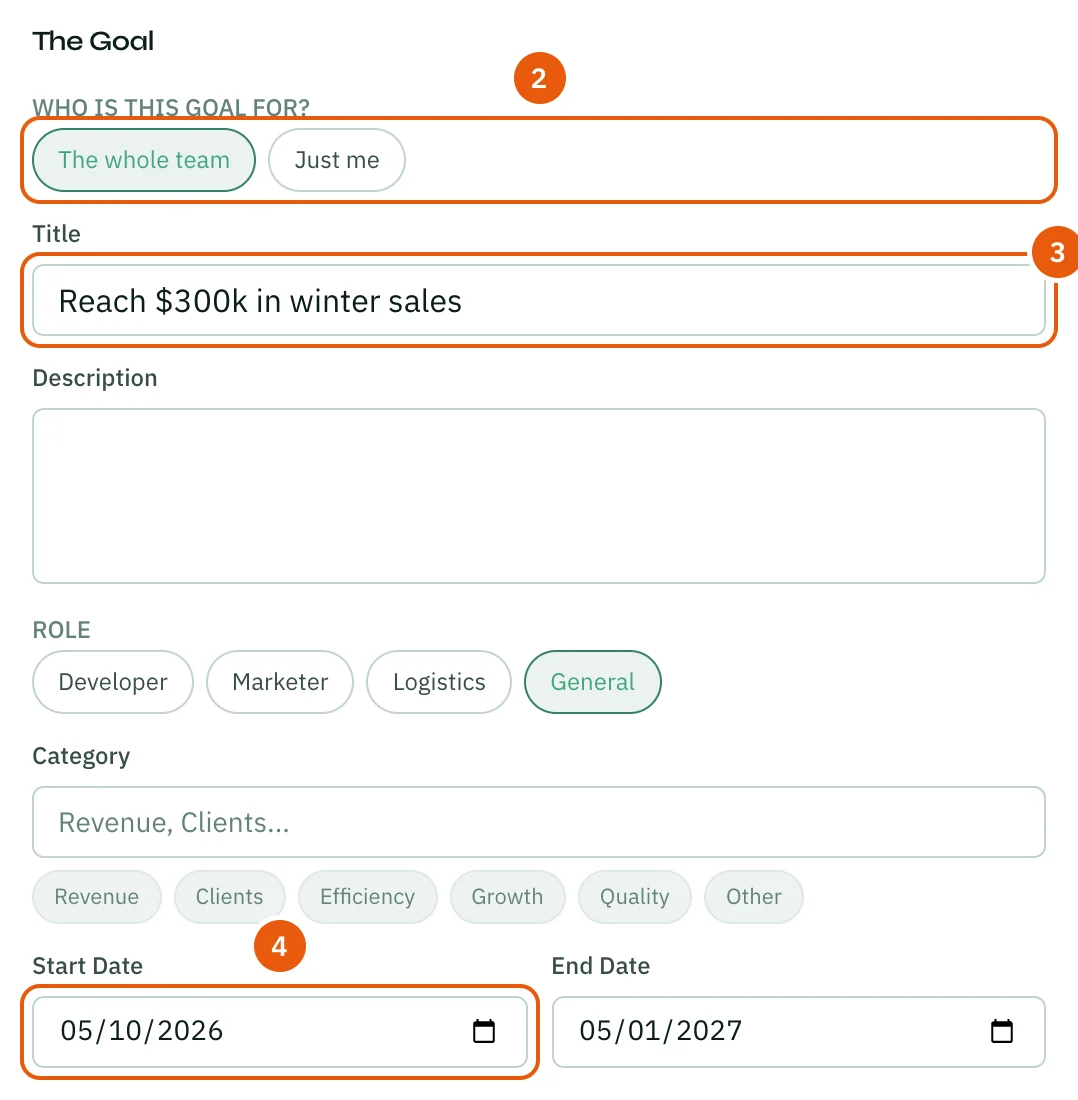
- Under Who is this goal for?, choose The whole team or Just me. You see this choice only if your role can manage goals. Otherwise the goal is personal.
- Type a Title. If you want, add a Description, pick a Role and a Category.
- Set the Start Date and End Date. A new goal starts today and ends in three months; change them to fit your period.
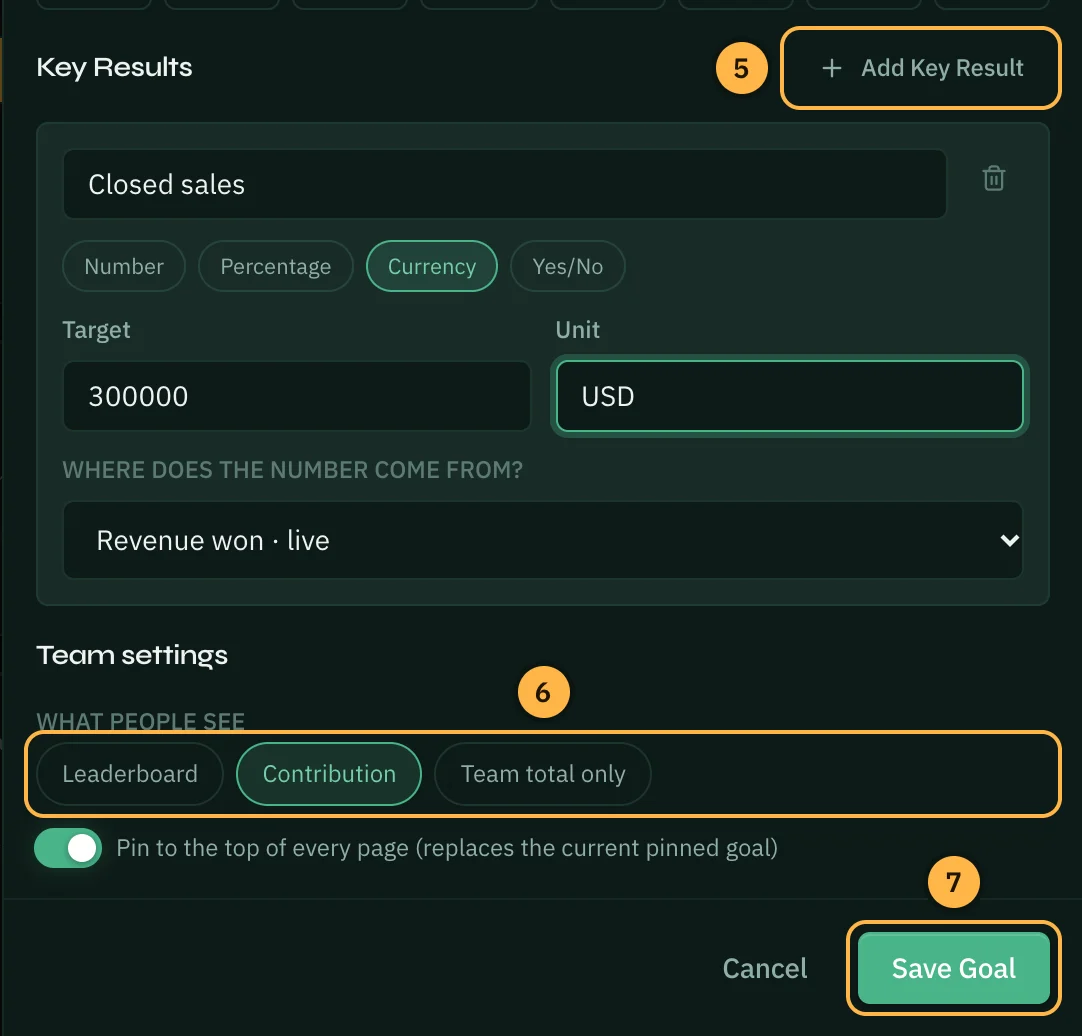
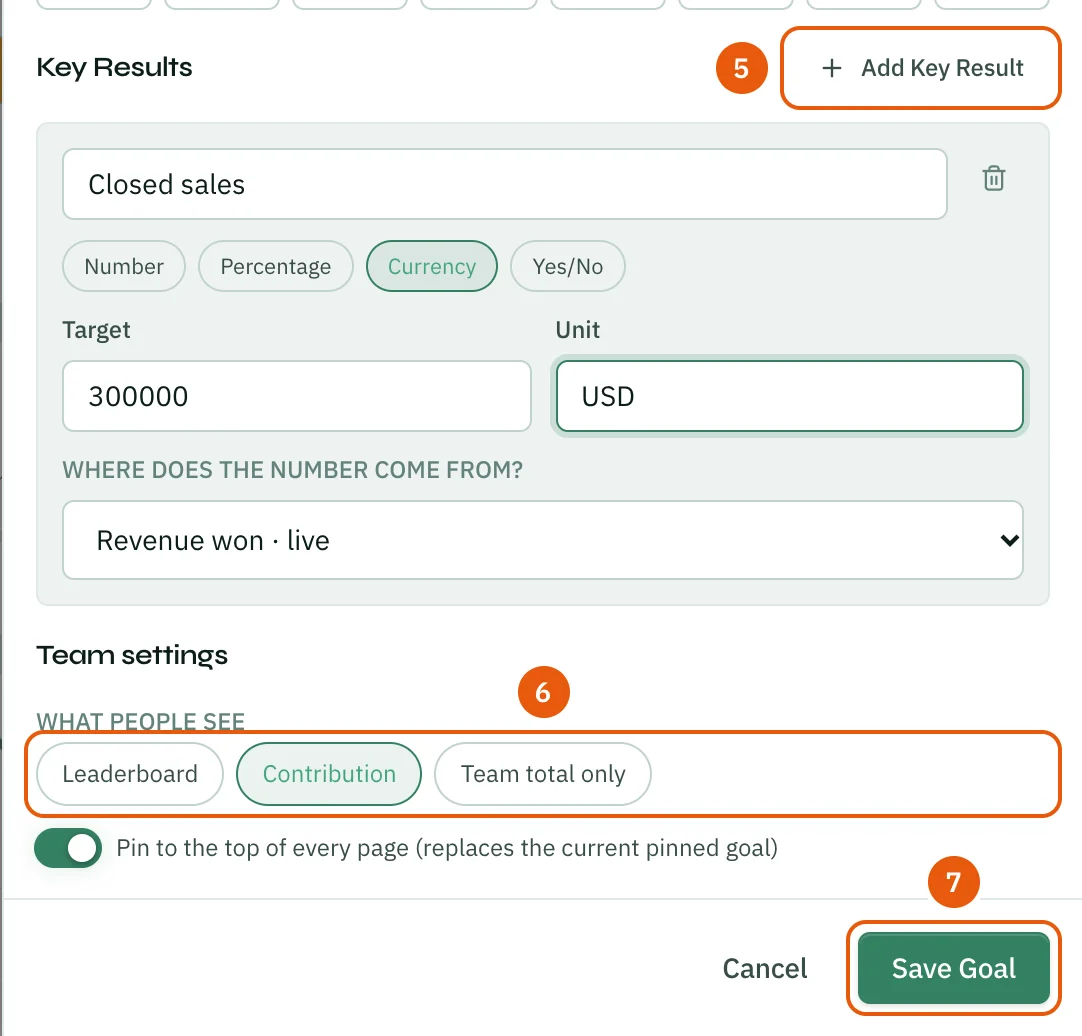
- Under Key Results, set the first number to track. Click Add Key Result to add more. See Goals → Key Results.
- For a team goal, choose What people see (see "Team goals" below). Leave Pin to the top of every page on to show the goal in the strip above every page.
- Click Save Goal.
You can also pick a Color & Icon for the goal in the same panel. To change a goal later, open it and click Edit.
How key results move
A key result can move on its own or be updated by hand:
- Live sources — Deals or the WhatsApp inbox — update a key result as the work happens, on team and personal goals alike. See "Team goals" below for the full list.
- Work activity — work logs, hours logged, meetings, campaign results or shipments — can drive a key result on a personal goal. It counts your own activity between the goal's start and end dates.
- Update it yourself — type in a new value any time, with an optional note saying what changed. That note shows up in the goal's live feed alongside the automatic updates.
Check in on a goal
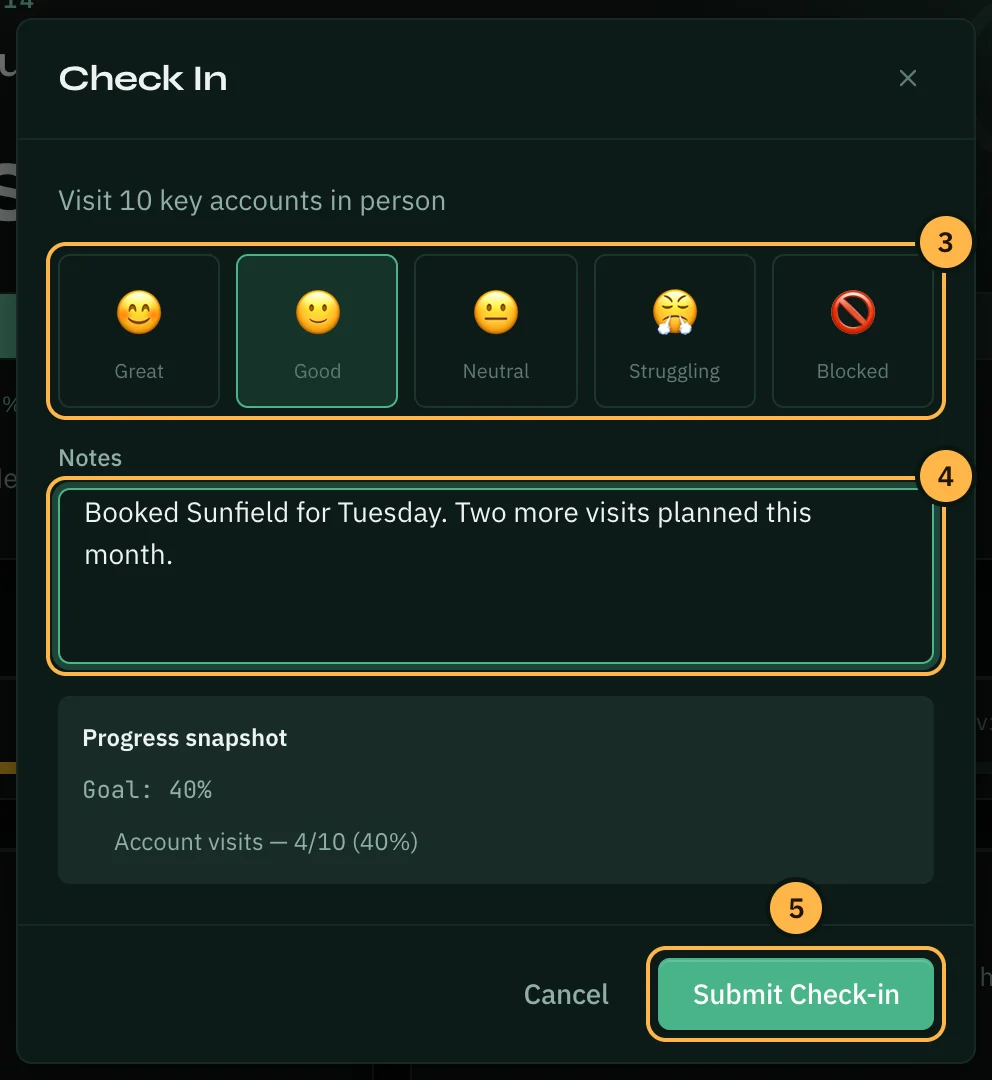
A check-in records how you feel about a goal — great, good, neutral, struggling or blocked — with a note. It also saves the goal's numbers at that moment. Over time, the check-ins build a history you can look back on in retrospectives and 1:1s.
- Open the goal from the Goals page.
- Click Check in at the top right.
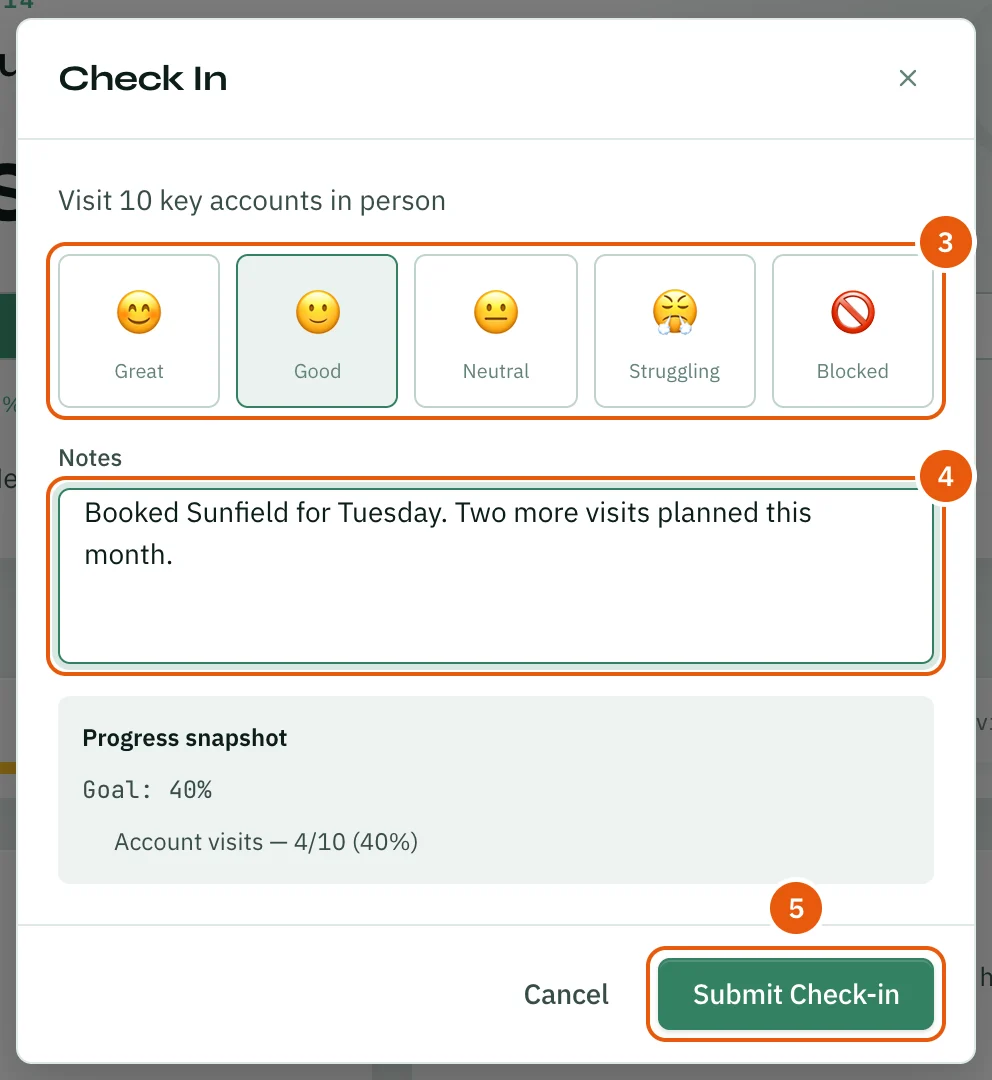
- Pick how the goal feels.
- Write a short note in Notes. A note is required.
- Click Submit Check-in.
Past check-ins appear under Check-in history on the goal's page, newest first.
Goals also appear on the dashboard and in reports. When a goal is finished or no longer needed, open it and click Delete goal under Goal settings to keep your list tidy.
Link related work — a log, a meeting, a campaign — to a goal's key results, so the work and the result stay connected. See Goals → Linking Work to Goals.
Team goals
A goal can be team or personal. A team goal belongs to the whole workspace — anyone with access to Goals can see it, and anyone with manage rights can edit it. A personal goal is yours alone: only you can see it (a manager can still read it, but it stays off everyone else's screen).
Team goals can track themselves. Point a key result at a live source — revenue won, deals closed, pipeline added, win rate, or WhatsApp numbers like chats resolved, new contacts, first reply time or average CSAT — and it updates on its own as the work happens. Nobody has to remember to type a percentage in.
Some numbers are better when they go down, not up — first reply time, for example. Those key results are marked "lower is better," and progress is measured against how far you've come from where you started, not how high the number climbed.
On the Goals page, the pinned goal shows a pace line on its progress bar: a marker for where the team should be today if progress were perfectly on schedule. Ahead of the line means ahead of pace; behind it is a nudge to look closer.
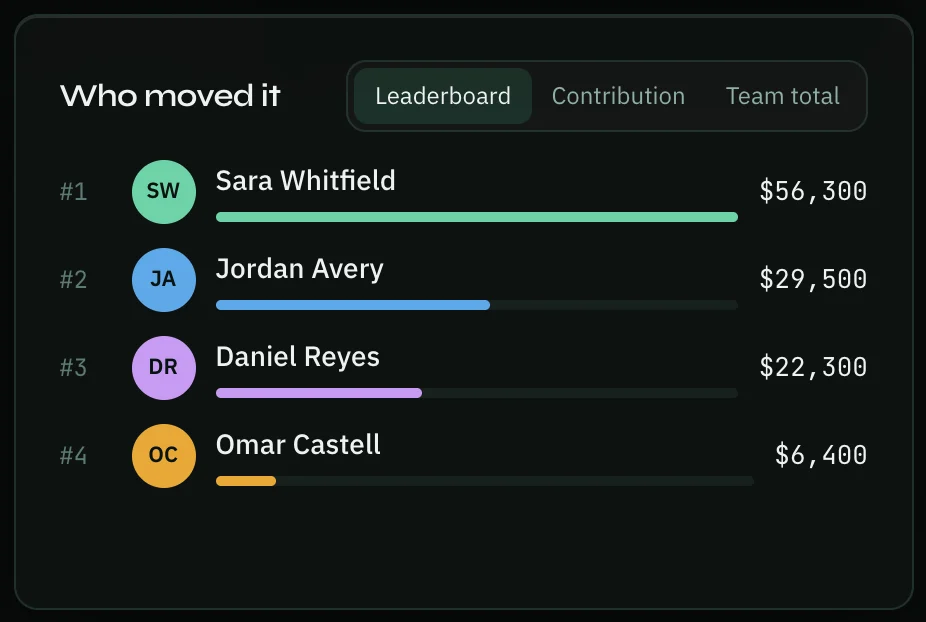
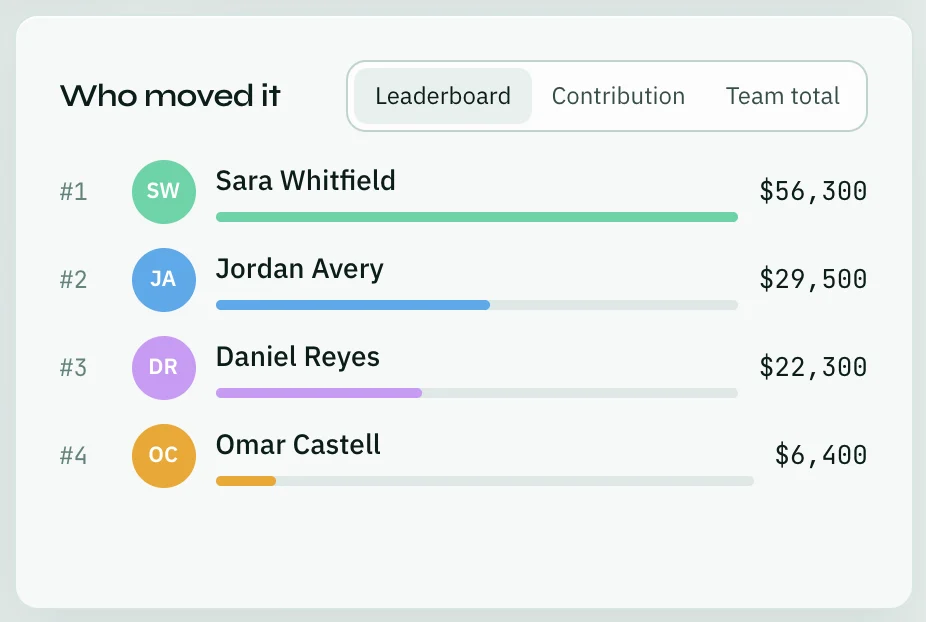
Whoever manages a team goal chooses what everyone else sees when they look at who's contributing. They choose it when they create the goal, or later on the Who moved it card:
- Leaderboard — ranks people by how much they've moved the number.
- Contribution — shows each person's share of the total, without ranking them.
- Team total — hides individual numbers entirely and shows only the team's combined progress.
The pinned team goal for a workspace shows as a strip at the top of every page, so it's always in view. If you'd rather not see it, click the × at the end of the strip, or turn it off in Account → Appearance under Team goal strip.
TV mode
Click TV mode at the top of the Goals page (or on a team goal's page) to show the goal full-screen — the number, the pace line, who's contributing and a feed of recent wins. It's built to sit on an office screen and update itself as the team makes progress, with a small celebration when the goal crosses 75% and again at 100%.
Thank you — that helps us improve the docs.